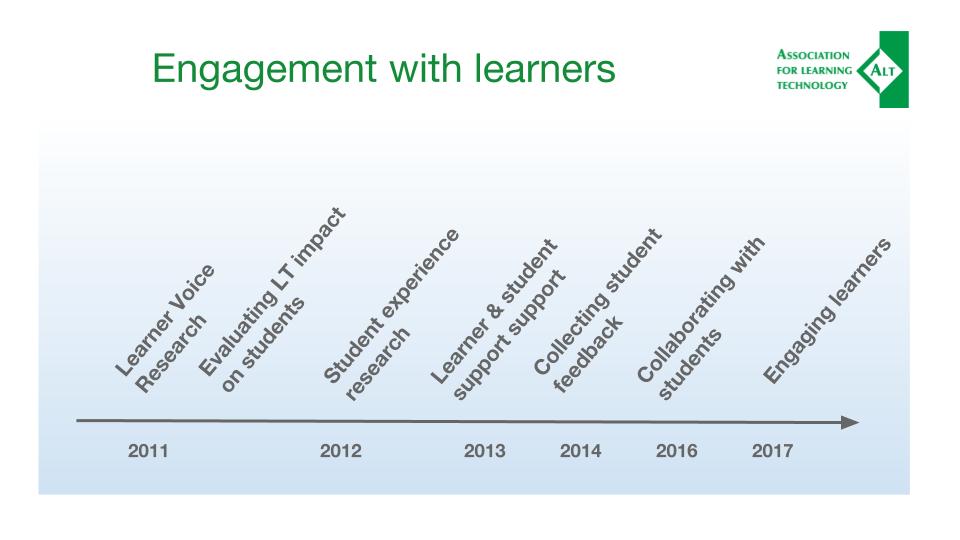
It was a real pleasure to be invited by the organisers of Social Media for Learning in Higher Education to keynote at this year’s conference and this post provides a summary of the talk and slides. You can also access the actual slide deck at https://go.alt.ac.uk/SocMedHE18Keynote .
Given that it’s early in the year and a cold, dark morning in Nottingham, UK, I felt it would be useful to start this talk with a sunnier view of beach near Sligo, Ireland, a place to feel the sun and the sea on your skin, a place to take some time to reflect and breathe and take a break. Those aren’t things that I generally associate with social media, in particular in Higher Education. Social media often comes with a general sense of the superficial, showing just the best side of myself, trying not to avoid being vulnerable for social media can be a toxic space for many, particularly for women, for people of colour, for anyone whom the trolls choose to single out. So if you are already a place in your year where you feel your digital shadow is looming large, maybe it’s time for a digital detox https://datadetox.myshadow.org/en/detox . I came across this useful tool via Mozfest a few years ago and I found it helpful as a way to check in with my relationship to social media.
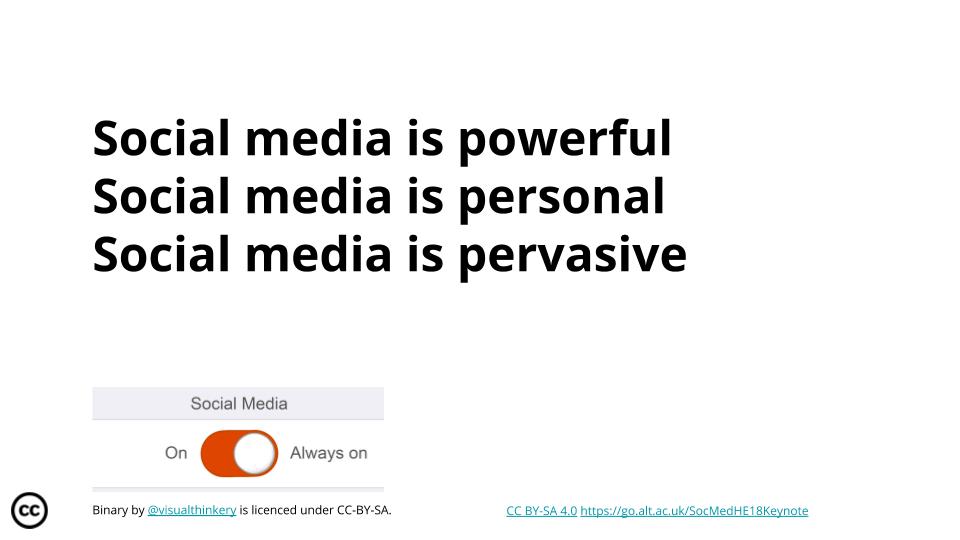
It’s important to think about because social media is powerful, it’s personal and pervasive. It’s part of our personal lives and professional practice in education. It’s part of what our colleagues do, how our learners work and part of our social reality from citizenship and dating to job hunting and even death and remembrance. As human beings we rely on our social interactions no matter how they are conducted and in this age social media is part of how we live for an increasing proportion of the global population. Because it is important, we can’t leave it up to others. Because it’s important, social media needs us. Social media needs us to question, investigate, reflect on, engage with, challenge, shape, control, monitor, analyse, track, investigate, govern and take ownership. And that’s what I’ll explore in this talk in three hashtags:
How is social media changing professional practice?
How does social media support openness in education?
Social media for social good?
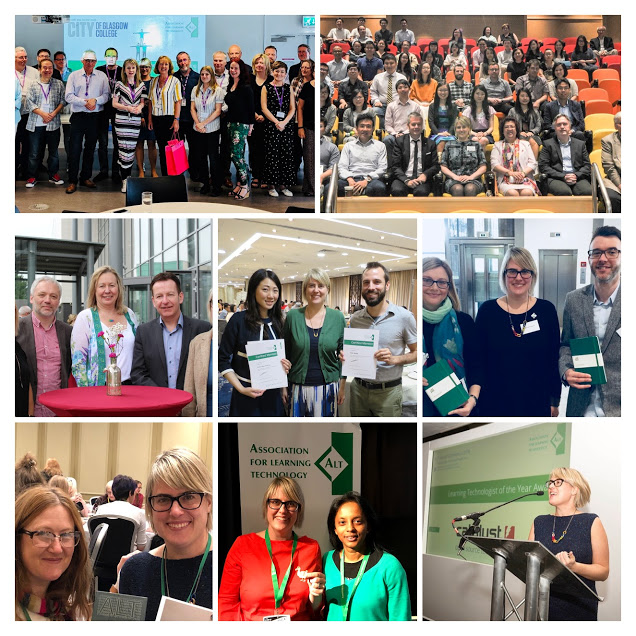
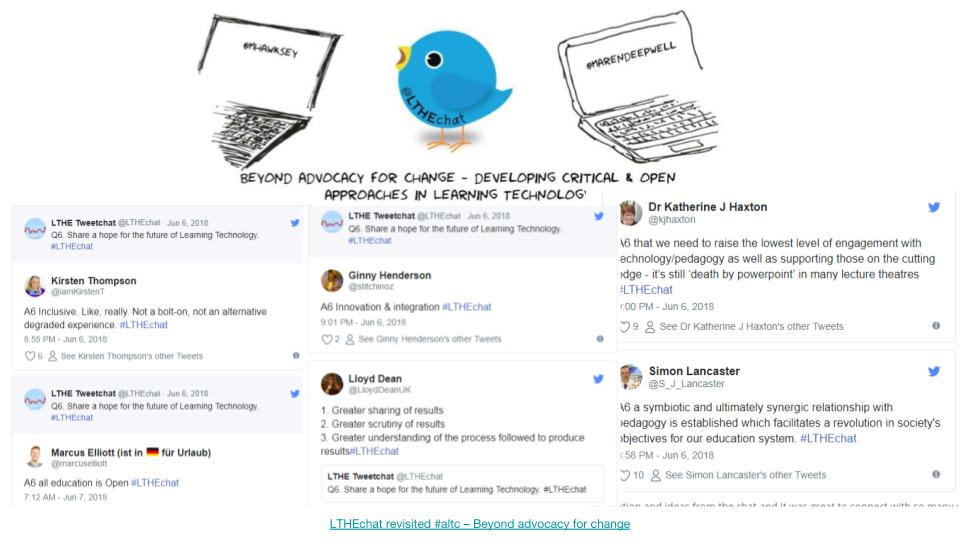
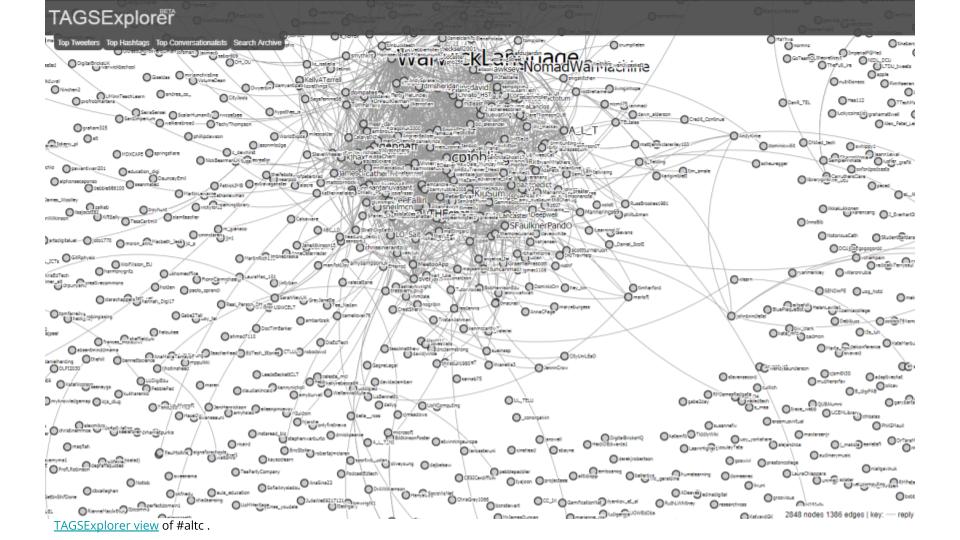
The first hashtag is #altc and it’s probably the biggest hashtag in my working life. To begin with the hashtag was used only during events, mainly ALT’s Annual Conference and it changed each year. Since 2014 however the hashtag has been used not just for the conference, but increasingly throughout the year. To begin with the “c” stood for “conference”. Now the hashtag has come to mean more than that thanks in large part to the vision of ALT’s Martin Hawksey, now the “c” stands for community, conference, create, collaborate, communicate and so forth. And it now generates more tweets in a single week during the Annual Conference than we previously recorded for an entire year. It’s developed far beyond the single use event hashtag it started out as and that reflects how the activities it supports have expanded also. As a membership body for Learning Technology professionals, ALT has become very active on Twitter and our network and the conversation is growing – you can see how this is visualised here on the TAGSExplorer view of #altc .
The community is now active throughout the year and the way that social media is used really varies and includes individuals actively using the network to share practice, ask questions and celebrate achievements. ALT as an organisation is powered by its Members many of whom volunteer for the Association and one of my favourite examples of using social media and the #altc hashtag last year was celebrating ALT’s 25th birthday. We wanted everyone to be able to celebrate whatever is important to them, to add their own voice and for the anniversary to reflect some of the diversity and breadth of the community we serve. On social media you could thus create your own celebration postcard, including your message and image, remixed under a Creative Commons licence using the Remixer developed by Bryan Mather/Visual Thinkery (go to https://remixer.visualthinkery.com/ and have a go at remixing yourself). It’s a small way for individuals to have a voice in ALT, be able to shape the organisation and reflects its values and aims to encourage participation and collaboration and openness.
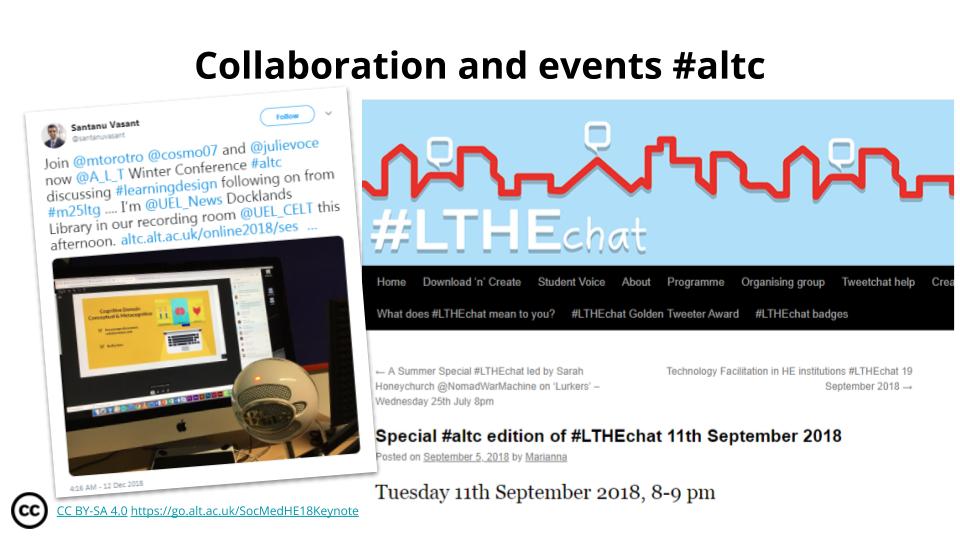
Beyond individuals we have leveraged the power of our hashtag to collaborate with others and to enable relationships between Member-led initiatives and the centrally supported network. That’s particularly important in Learning Technology as much of the work we do reaches across disciplines, sectors and often beyond the UK. This approach to social media isn’t about distributing marketing messages or one way communication. Our aim is to support and develop a positive online space, a social media channel that Members and the wider community can make us of and have ownership of, a space that supports our work in strengthening professional recognition and advocate for our Membership.
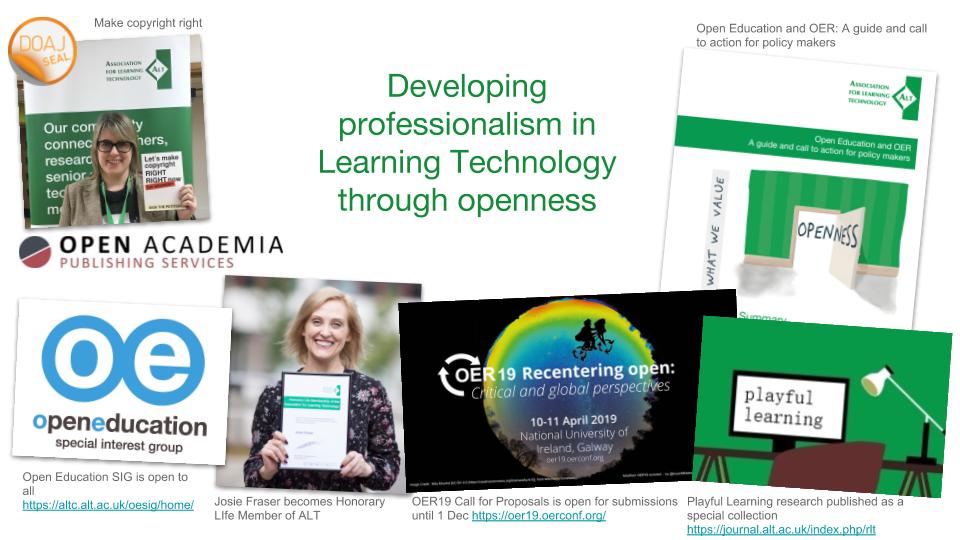
Our Members meanwhile have a strong open ethos and much of what we do is consequently openly accessible to the benefit of the wider community. Openness is so important in Learning Technology because the tech landscape develops at such a rapid pace that the most effective way to keep pace with it is in collaboration with others, by sharing resources, research and reflection. Like social media, openness is not unproblematic and like social media openness has great potential in education. And that brings us neatly to hashtag number two and also to my second question: How does social media support openness in education?
I want to start by highlighting two examples, two policy developments in Higher Education, that I have worked on, firstly the Higher Education Funding Council for England Consultation on the second Research Excellence Framework and then also the Open Education and OER – A guide and call to action for policy makers. The first is particularly relevant because it provided an opportunity to argue the case for the role of social media in how impact is measured in Higher Education and the second as it highlights how Open Education and OER can expand inclusive and equitable access to education and lifelong learning, widen participation, and create new opportunities for the next generation of teachers and learners, preparing them to become fully engaged digital citizens.
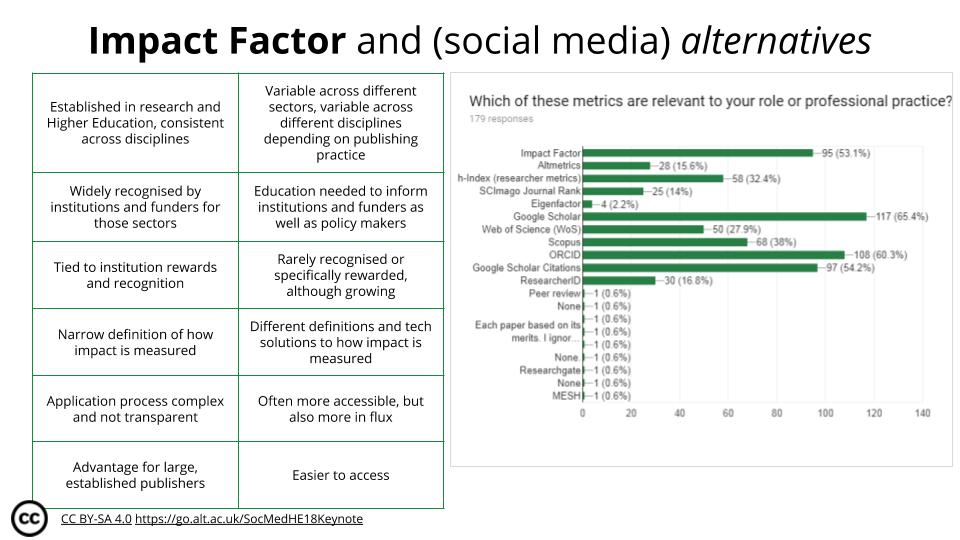
But are policy developments such as these making a difference in practice? Has policy changed much since 2014 when for example The Metric Tide by HEFCE was published (http://www.hefce.ac.uk/pubs/rereports/year/2015/metrictide/#alldownloads)? It’s aim was to “reduce emphasis on journal impact factors as a promotional tool, and only use them in the context of a variety of journal-based metrics that provide a richer view of performance. Publishers should also make available a range of article-level metrics to encourage a shift toward assessment based on the academic quality of an article rather than JIFs.”
Social media plays an important role in the alternatives to the traditional Impact Factor and is increasingly used not just by publishers and authors, but to recognise the important role of peer reviewers and support their recognition, too. Research in Learning Technology, the journal ALT publishes, is of special interest to me because I was part of its pioneering transition to become the first Gold Open Access journals published by a UK professional body. Since then I have had hands on involvement in two further transitions between publishers, leading to the journal now being independently published by ALT, financially supported by Members and edited by a group of volunteer Editors who lead peer review and author support.
It hasn’t been awarded an Impact Factor to date and we are actively investigating all alternatives, how their are used, how they are developing, what their longevity is and how sustainable they are. Open Access has seen the readership and reach of the journal increase from hundreds to hundreds of thousands. Social media supporting innovative ways of measuring impact may help its impact grow further. For now, openness helps ALT influence policy makers, increase the impact of research for public benefit, build a shared vision for the future of professionalisation in Learning Technology and grow our community of Members.
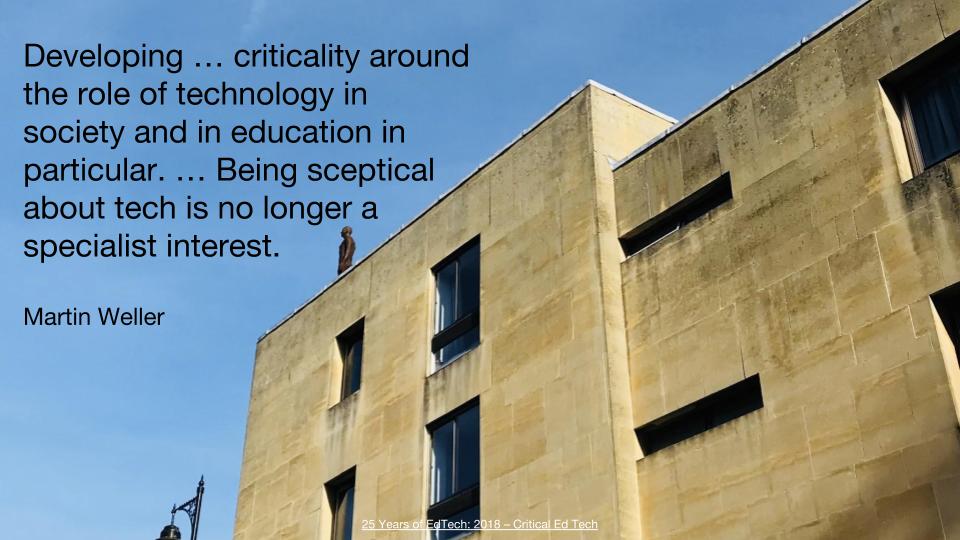
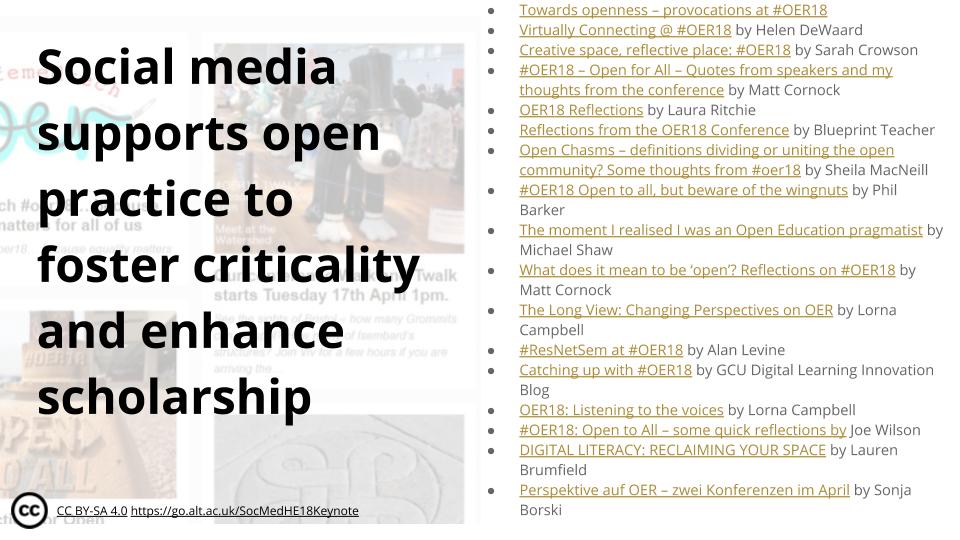
I now want to look beyond organisational boundaries to focus on individual professional practice and how social media supports open practice to foster criticality and enhance scholarship. In my experience there is no better example of this than the work that is happening around the #oer hashtags, no, conferences, and the way in which social media is used here to address some of the most difficult questions including how privileged participation in such events is, how we can find and support the voices of those we are not already hearing and how we can meet some of the global challenges that education faces through openness: access to education and equity.
It’s become somewhat of a social media tradition that the blog posts and tweets start long before an actual OER Conference, last year reaching such a large volume that there was more conversion online than anywhere else. It connected those who couldn’t attend in person (to some degree) and enabled a much richer discussion, more criticality and scholarship than before.
And as an open practitioner myself I am inspired, challenged, prompted to try and step up in my own work, to contribute something, to question how I could do things differently, better. And last year was very much a year of collaboration in the open for me, with many projects taking place on social media, including twitter chats and many blog posts.
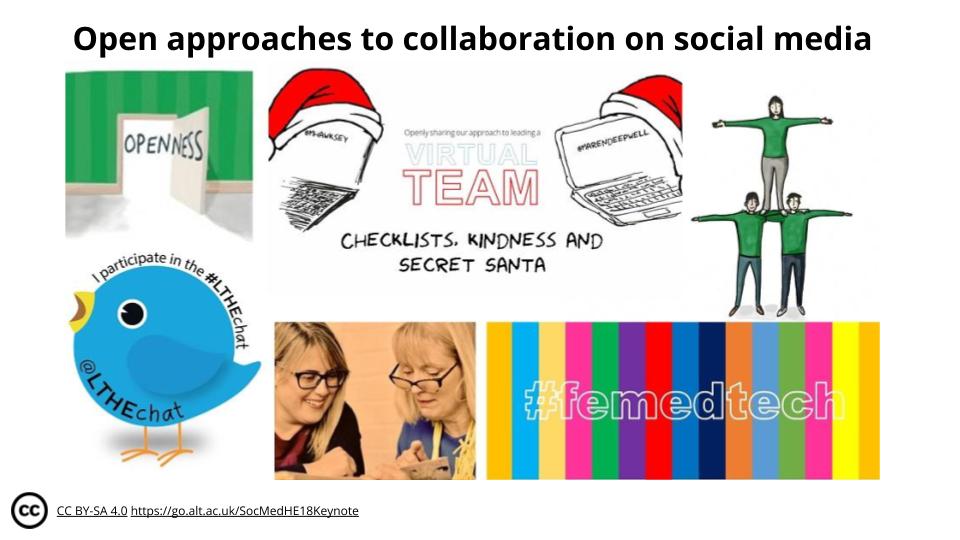
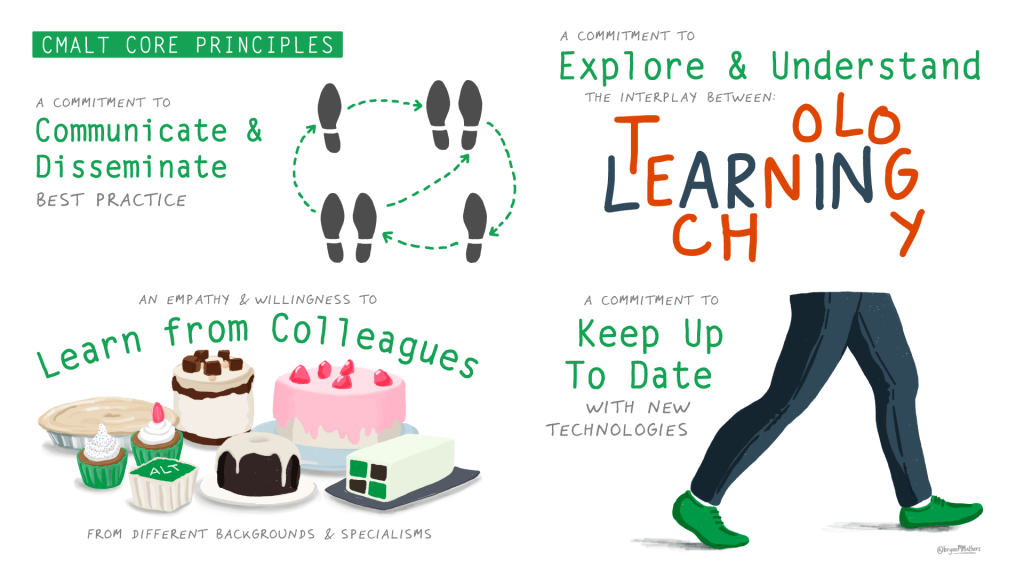
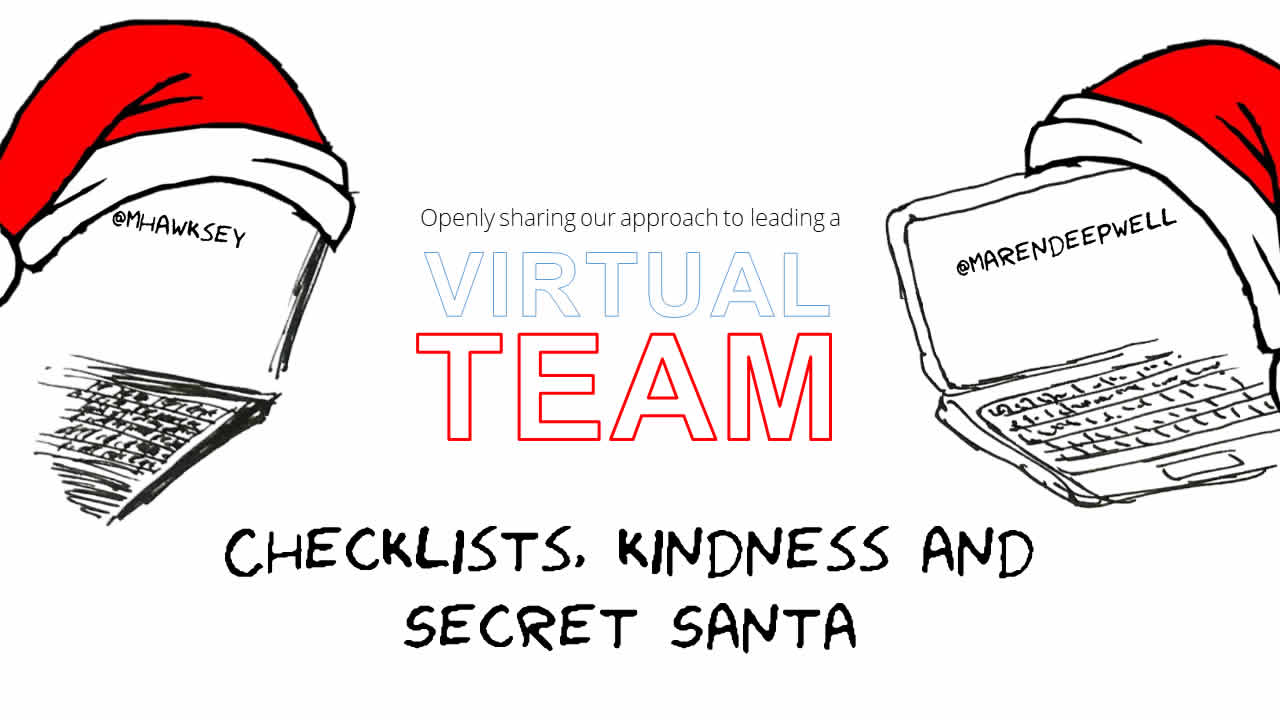
I wanted to progress leadership as an open practice – which, incidentally, is one of the sections in my CMALT portfolio and something for which I get a lot of feedback and input on social media. But the collaboration which has prompted me to reflect the most on the pros and cons of open practice on social media is my work with Martin Hawksey on leading ALT through its transition to becoming a distributed organisation and establishing a new working culture as a virtual staff team. Our monthly series of posts has been at the heart of all my work last year, touching on everything from people management and well being at work to the technical challenges of remote working and the nuances of working in the open. Writing these posts whilst everything is actually happening, rather than sharing output from work that is in the past, felt far more scary than similar kinds of work I had done before. There is much of what I do day to day that I hadn’t managed to make part of my open practice before this collaboration – leadership, management… these are not the most straight forward topics to share (especially when you are everyone’s ‘boss’). There are a lot of pros for me in this kind of approach, but also some downsides: sharing work in this way puts you in a vulnerable position, for example if someone personally attacks you, if you are not performing well, when you make mistakes or when things go wrong. Social media can be a scary place when you are not sharing success. It’s always personal and there’s a limit to how well you can protect yourself once you are out there, in the open. But on the other hand, I want to be open about how to lead, how I work. I want to show that things do go wrong, that mistakes happen and how to work through them. It’s important to share questions and doubts. It’s part of my ethos, my approach to leading a team, to leading an organisation, and I want my presence on social media to reflect that. When I first became a CEO I found it really difficult to find role models on social media (and indeed in real life) and alongside all the people who have inspired me along the way, I want to try and help others find the right way of building their professional identity.
And on that point, thinking about identity, we arrive at the third and final hashtag and the last part of my talk: #femedtech. The challenge here is using social media for social good. And in terms of equality, and equality in Learning Technology in particular, we still have a long way to go. Equality is for everyone, it’s in everyone’s interest and it’s everyone’s look out. Femedtech is a growing network and I am a volunteer and supporter, giving my time and voice to help promote a cause I believe in.
It’s only one example of how we can use social media to engage and empower in education and to make use of the digital, critical and technical skills we have to take some ownership of how we grow, support and chart the development of our network. And that is an important point to consider, because it is the skills and knowledge that we have that enable us to do that – the fact that we know quite a bit about social media, technical infrastructure and how data is generated and used. It’s our skills that enable and empower us to use the tools and platforms to enable and empower others – hopefully leading to greater equality along the way!
With that, we are not just going against the grain of the traditional power relationships that govern education and by extension Learning Technology. We are also going against what social media and online platforms in general wish us to do. They want our data, our attention, our engagement and in return they promise us much.
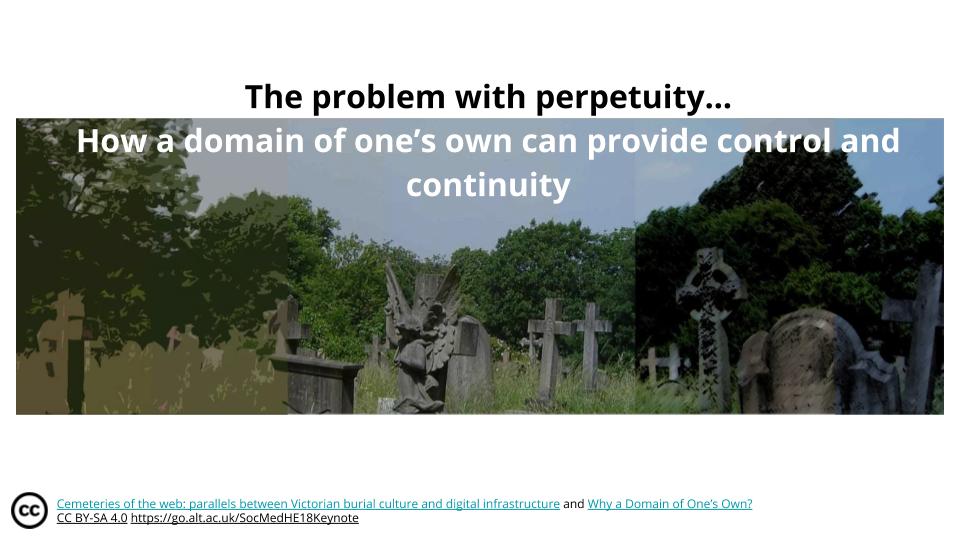
Now, I should pause here briefly, because the relationship between Victorian burial culture and digital infrastructure may not be immediately obvious, and I suggest if you are interested to read my blog post on the subject – but suffice to say that I have a PhD in cemeteries and with that comes a frame of reference that I find is very applicable indeed to thinking about our relationship with technology.
One commonality between Victorian burial culture and digital infrastructure, for example, is that a lot of digital infrastructure gives a promise of permanency in order to secure our engagement and content and Victorian entrepreneurs created urban cemeteries with the same promise. In the digital realm and in particular on social media your posts, pictures or updates remain in place while their are valuable to the platform, but can disappear or become inaccessible with little or no notice. The newly created burial space in Victorian cities would similarly be described as a place for eternity, not just safeguarding bodily remains, but securing status and remembrance for future generations. And like its digital counterpart, cemeteries, too, could disappear for building projects or urban development with gravestones stacked unceremoniously against a wall or used as paving material.
A domain of one’s own (alongside the aforementioned skills and knowledge) is key in my mind to a more empowered relationship to technology and social media. Post on your own domain, repost everywhere else – and when everywhere else stops their service, you still have your posts on your own domain. I am really inspired by the work Jim Groom has been doing in this area and I suggest you read his post on a related project.
The kind of relationship that I envisage us to have with technology and social media has a lot to contend with: we have questions about who controls the dominant discourse and how to foster diverse voices inside filter bubbles, we have a lot to work out around privacy and the right to be forgotten, the ownership of data and data literacy and the future of social media.
I hope that brings us to a point where we can explore these questions further, putting the emphasis not on the technology, but on human agency:
How can we use social media to enhance our professional practice?
How can we use social media to support openness in education?
How can we use social media for social good?
A big thank you to all whom I work with, who I have been inspired by and in particular the participants and organisers of the #SocMedHE18 conference for listening.
You can also access the actual slide deck at https://go.alt.ac.uk/SocMedHE18Keynote