This is a first welcome post for this blog in its new home, marendeepwell.com and a big thank you to everyone at Reclaim Hosting to help make the transition so quick and easy. Looking forward to getting started here in my new domain.
Author: Maren Deepwell
-
#OER16: Empowered openness
 On the train on the way to Edinburgh to the OER16: Open Culture conference I was past York and heading North when the sun came out. A while later the train tracks approached the coast and I looked out at the sea for the first time in months. A wide blue sea under an open sky. In the distance LEGO-brick like shapes of container ships appeared as we neared the shipping lanes and in the brilliant sunshine we approached our destination. It felt like this conference certainly had good meteorological karma.
Running conferences is hard work, so as you might expect I didn’t get to go to half as many sessions as I would have liked – but what I did have was an experience worth sharing. If you participated in any part of the conference whether online #oer16 or in person, you will likely have your own take home moments. Here are a few of mine:
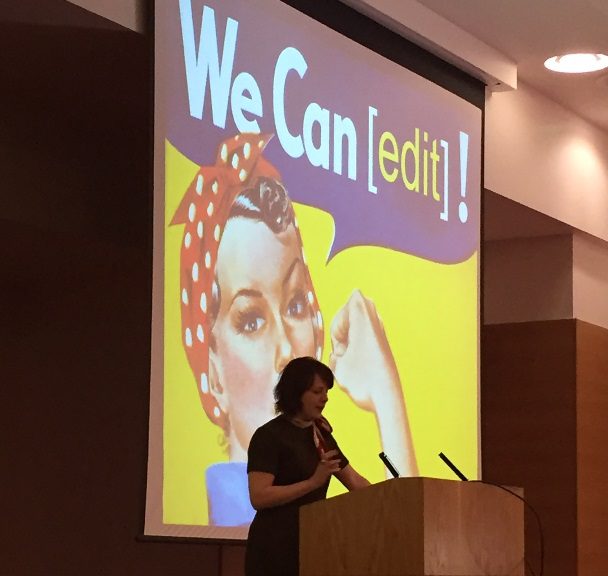 Melissa Highton’s closing keynote gave me a glimpse into what it takes (and whom!) to make OER and openness work at scale across a whole institution, for hundreds of staff, tens of thousands of students and the wider community. Armed with a strong vision and persuasive arguments for senior decision makers it was awe-inspiring to hear at what scale and with what commitment Melissa leads colleagues working to achieve the university’s vision for openness. For someone in my position who has to make arguments for openness all the time, there was a lot to take away and adapt in this presentation.
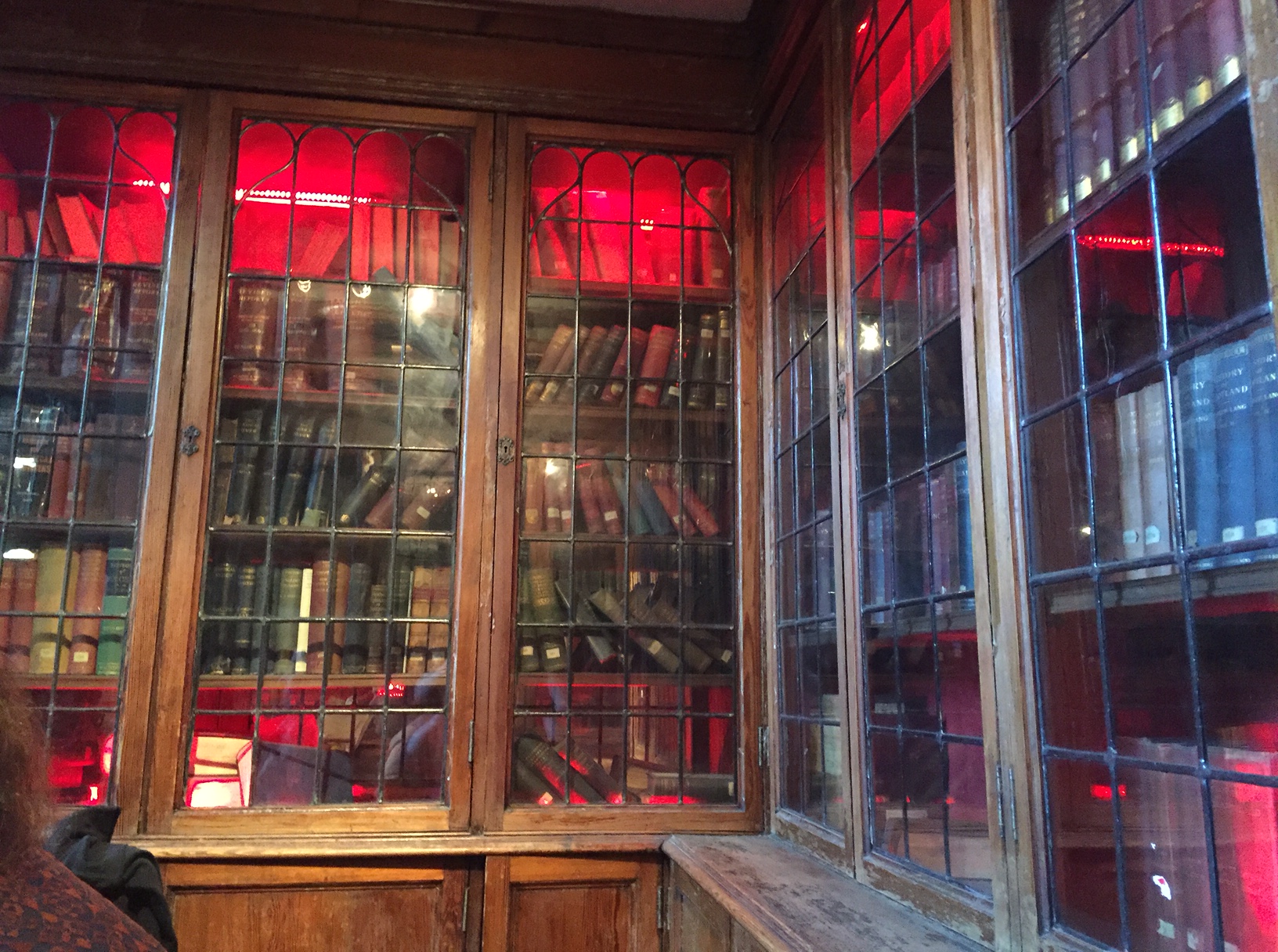 Making ‘open happen’ by doing it was also something that John Scally, from the National Library of Scotland, inspired me with. Again, this is openness at scale with literally millions of openly licenced resources being ‘born digital’ in a major national undertaking. Like last year’s keynote speaker Cable Green from Creative Commons, John’s commitment to widening access and sharing with us an understanding of what it takes to open up the national collection of Scotland to all was eye-opening.
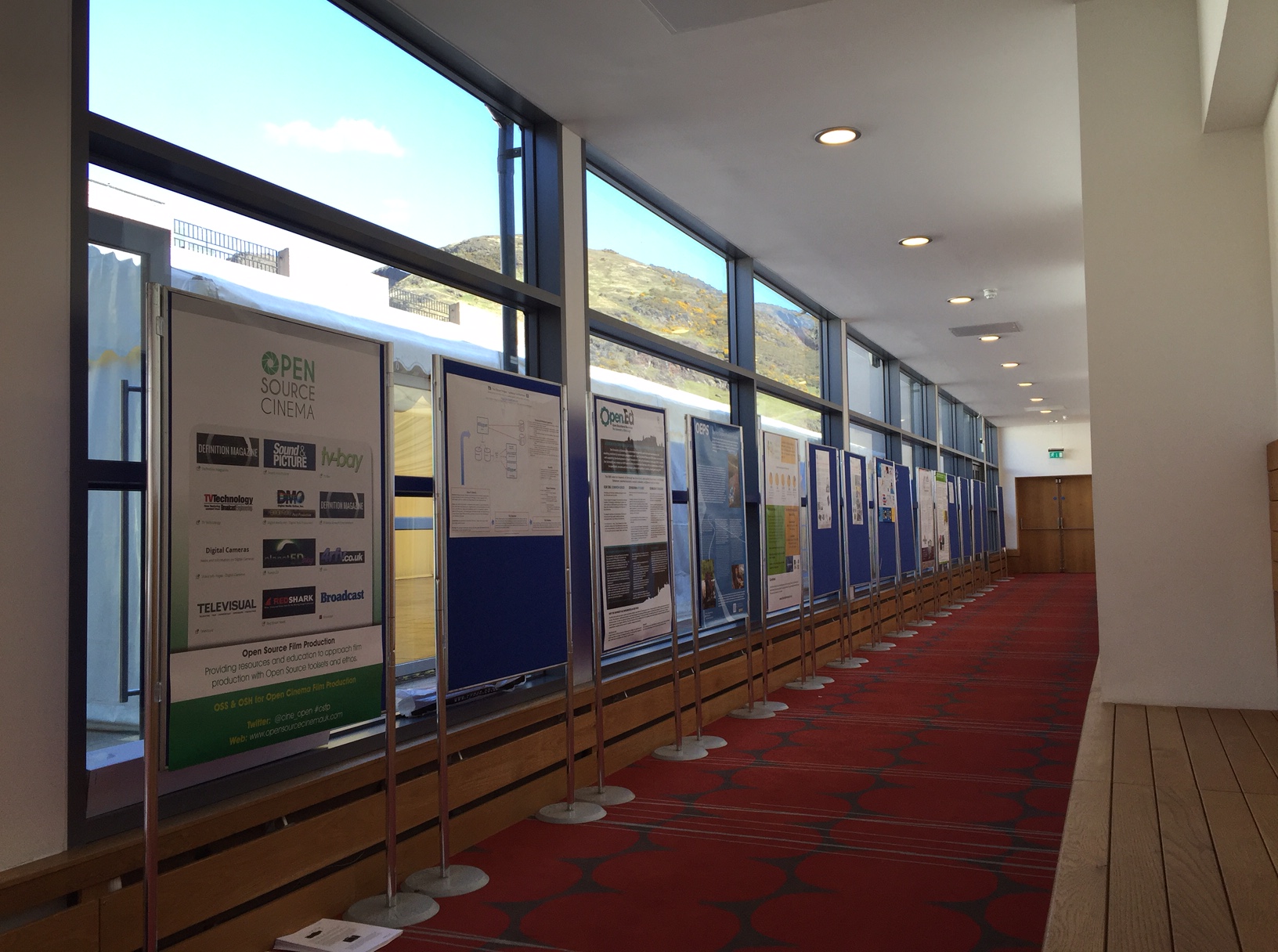 Meanwhile throughout my two days #oer16 I saw participants all around getting involved in conversations, making new connections, getting stuck into workshops with everything from musical instruments to colourful creations. Poster-side discussions took place with a back drop of Arthur’s seat and outside in the welcome (and persistent) sunshine the conversations continued.
 The Wikimedians also had a lot of activities taking place on both days organising editathons including one on Women in Art, Science and Espionage, walk in “ask a Wikimedian” sessions and presentations . Their support for and involvement with the conference is only one example of how many connections this community has. Long-haul conference attendees staying in Edinburgh for the LAK conference the following week were an equally welcome addition.
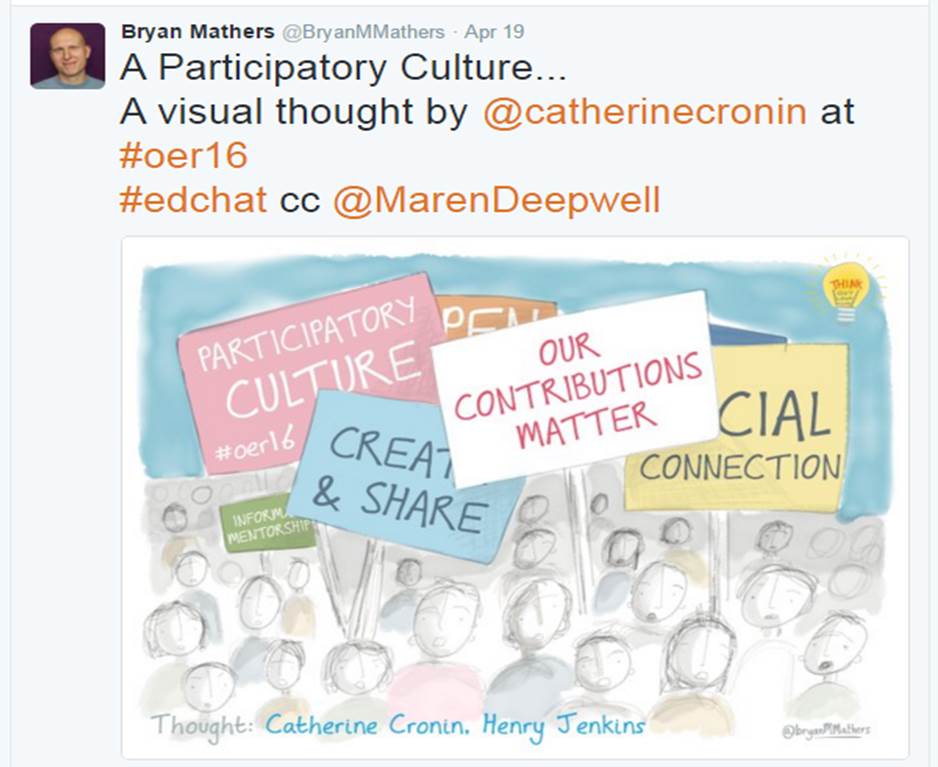 Looking back at the two days there is one theme that is particularly relevant to me and which Catherine Cronin explored in her opening keynote: participatory culture (and I am including a visual thought from the wonderful Bryan Mathers here). Catherine was speaking about openness, equity and social justice and her opening set the tone for what felt to me the key factor that made this conference work: participation. Participation as in having a voice, a stake in what is happening, a share in the common future, the future of the commons.
Whenever I hear Catherine speak I reflect that despite the awesome challenges we face in terms of content, infrastructure, technology and policy it is ultimately a very personal thing to be in the open, whether through open practice, creating open content or shaping open policy.
Emma Smith, whose articulate story-telling was spell-binding and thought provoking at the same time, made a comment that most academic ‘work in progress’ being shared is so close to the finished product that it is ready to publish. It is harder, more exposed, to share the actual rough drafts, the work in progress that isn’t something we feel proud of, our processes.
Processes of practice, of production and ultimately of our own learning are personal. It’s about who I am, how I think, what I learn – and that is a scary thing to put in the open. And yet, as a magical glimpse into the world and work of Jim Groom proved, there is so much to gain, such potential, when we do. That is why we are working to take control over our own domains, our data – being empowered by how we use technology and how we contribute in open spaces. That’s what I am taking away from #OER16 and supporting that process to thrive will be my aim for the next year until OER17.
Recordings of these keynote sessions and lots more available via the OER16 website.
-
An open course as a tool for change: reflecting on Blended Learning Essentials
One project I am currently involved in is a course on FutureLearn called Blended Learning Essentials. In this short blog post I want to think about how this course, or others like it, can be used as tools for change.
A bit about the course
 This is an open course about using blended learning for vocational education and it runs for a total of 8 weeks in two parts. The first part covers the ‘essentials’ and the second focuses on ’embedding’ blended learning. Content and in particular the videos are created in collaboration with teachers/learners in vocational education contexts and shaped by current practice. If you’d like to see what it’s like for yourself, parts of the course are accessible without signing up: Going beyond reflection to data https://goo.gl/cwGRtQ, collaborative learning to improve learner support https://goo.gl/LwnCnA, sharing and re-using teaching ideas https://goo.gl/gHdsp9 and managing a culture change https://goo.gl/j7q17q.
Change for learners and teachers
One of the aims of the course is to provide an entry point to using learning technology effectively regardless of what participants already know or feel confident about. While that is a big ask it also highlights the fact that there is a big disparity in the relevant competencies across the sector. At one end there are enthusiastic individuals or institutions whose learners are benefiting from technology-enhanced innovation and at the other end of the spectrum are those who don’t know where to start. Learners may or may not have access to devices and networks, but once they do, they need to gain skills that will be useful for them in what they do next and teachers need to be able to support them in that. So one way in which a course like Blended Learning Essentials can become a tool for affecting change is to provide a path to building competencies and confidence for those who deliver learning. It could be incorporated into existing internal provision, to enhance what a provider or group can offer internally – or it can act as a way to start scaling up CPD. Similar to another course I worked on in the past, the Open Course in Technology Enhanced Learning (ocTEL) it can provide flexible chunks of CPD depending on what the participant is most interested in.Decision makers who manage change
While learners and those who deliver learning can make use of the course, I think that those in decision making roles also have something to gain. To begin with they can participate themselves, online and at their own pace, to refresh or supplement their own skills and knowledge. Particularly if you don’t get much time to have hands on experience with learning technology, the course can help bridge the gap. The case studies and discussion forums meanwhile can be used as a frame of reference for establishing where a particular organisation is in terms of making intelligent use of learning technology, what common barriers are or how to solve problems. Particularly the second part of the course (the last 3 weeks) are relevant in this context. Given that the course is free to attend and most of its resources openly licenced, it can be an efficient tool for up-skilling and provide paths to accreditation (accreditation is the part of the course that I have worked on most, so I am going to point to further information and in particular its mapping to CMALT for those who are interested).Some limitations
I think this course can be a useful tool for affecting or managing change, from introducing blended learning, to scaling up provision or enhancing it. But there are also some limitations:
It’s online: this is a free ONLINE course about blended learning. It requires you to get online, supports you to develop the skills to engage with it and while you can certainly participate with a group of colleagues and support each other face to face, being able and willing to learn online is a key requirement. If this is a major barrier for you or your institution the course could be a useful way to build your capabilities in this area;
Accessibility: actually, in my experience the FutureLearn platform excels at making courses accessible and if you are in doubt it’s definitely worth exploring the “how to learn” resources they provide or make an enquiry;
It’s not advanced enough: as the course is aimed at those who don’t already have advanced skills it can seem too basic for some. The discussion forums and social media conversation may be more interesting to those who find some of the content too basic or it might be a useful tool for supporting colleagues;
So what?: One of the most interesting aspects of the course for me as to see how strong a driver learners’ future success is for getting individuals and providers do more or better blended learning. As everyday life and work require more skills for using technology it becomes more urgent that we use it effectively for learning, teaching and assessment. Other drivers for using blended learning might be providing more flexible provision, broadening access, scaling up or enhancing delivery, improving feedback & assessment…Things I’m thinking about next
Working on this course has made me reflect on the conversation about open courses, what they can be used for, what they achieve in terms of creating communities, scaling up provision and supporting professional development.
This course is a first in more ways than one, it’s the first course on this particular platform for the vocational education sector, to my knowledge it’s the first open course in this context that has attracted over 20k participants and it’s the first time we have seem a large scale response to the policy agenda in UK that is supported by some many organisations.
It’s a tool we can make use of to affect change and we can probably use every bit of help we can get in achieving effective use of learning technology across the sectors. -
Sharing my approach to leadership as an open practice
 It’s been nearly a year since I wrote my first post on leadership as an open practice, inspired by the 2015 OER conference. So in this post I want to reflect on how my experiment is going, what progress I have made and what’s next.
Where it all began…
In April last year, I wrote : “I’d like to try and adopt open practice in my role and connect with others who do the same. Like teachers, researchers or developers who share their practice and resources openly, I’ll try to follow their example. To make my work, which is mostly about leadership, governance and management in Learning Technology, an open practice.”Putting the experiment to the test
Since then, I took part in the #rhizo15 course/community and the #blimage challenge, I have shared a number of conference presentations and blog posts about CPD, policy and current issues. I have been building and sharing my CMALT portfolio (specialist area: leadership as an open practice) and reflected on different aspects of open practice. This blog has become a really helpful tool for engaging with different aspects of the work I do, share my thoughts and reflect openly. It’s certainly prompted me to do more thinking in the open and has resulted in many conversations and comments that have been helpful and stimulating (thank you!). It’s also motivated me to engage with others’ blogs and outlets, reading and commenting or contributing in turn. Sharing the template for how I built my CMALT portfolio with Google Apps is another example of this approach in action. My original aim was to share, connect and engage more openly and I think that aspect of my open practice has definitely developed.Difficult aspects of leadership as an open practice
Although it has been hugely rewarding, leadership as an open practice has also been quite challenging. While I have certainly started to find more like-minded professionals in similar roles there have been many more false leads, e.g. blogs that are more marketing than sharing, open-sounding practice that leads to pay-walls and a definite reluctance to connect beyond networking for fear of loosing some sense of being ahead, of having the edge over others in leadership roles. At times when political or economic turmoil threatens funding or jobs open practice seems to become a lot more difficult and far less popular for people in similar roles to mine.It has also been difficult at times to manage different aspects of my practice when my ‘day job’ as a CEO comes into contact with other work I do. When I contribute to a discussion or a twitter chat I try and make it clear whether I am representing the organisation I work for or whether I am participating in a less formal capacity, but it’s not always easy to make these distinctions. On the other hand there are real advantages to having the chance to get involved with research or practice in a more hands on way and it helps me be better at the work I do as a CEO.
With managing different identities also comes being a woman and a leader in Learning Technology and this is probably where my experiment has delivered the most rewarding examples and connections. Through a wealth of media I have become more familiar with the work other women do to drive forward technology in learning and teaching, from writers and IT Directors to CEOs and teachers both younger or more experienced than me. While in my experiences day to day there is still a long way to go to achieve equality for women decision makers in government, industry or funding bodies my growing network makes me feel hopeful.
Take away’s
So, one year on, what are my take away’s from this experiment in leadership as an open practice? Here goes:- Will I continue? Yes! It’s been such a rewarding experience, stimulating and challenging that I will definitely keep going;
- What’s the best bit? The freedom that an open approach help me establish, the prompts to follow whatever I was curious about and the generous feedback from peers;
- What’s the worst bit? For me at times lack of peers in comparable job roles who are interested in open practice;
- What’s next? On a practical front, more #rhizo16 this year, some opportunities to speak at events or contribute to other projects, making more of an effort to communicate and connect with others… and hopefully to become better at leadership as an open practice.
Your thoughts?
Over the past year I have had many comments/conversations prompted by blog posts or tweets and it’s been extremely helpful. So if you have any comments or feedback on my approach to leadership as an open practice or your own experience, share it below or tweet me @marendeepwell. -
#OpenEducationWk: Openness for eternity?
Open Education Week It’s #OpenEducationWk and I’ve been inspired by activities and blog posts from across the community, including a special edition of the #LTHEchat (helpful intro here) and a number of webinars organised by the ALT Open Education Special Interest Group (including a preview today of the OER16 Open Culture conference coming up in April). Seeing so much commitment to and enthusiasm for scaling up open practice and resources has been a joy – but it’s also made me think about sustainability in the long term.
Many of us have plenty of problem solving to do right here, right now – and planning for the long term is not often a top priority. When it comes to creating open educational resources or sharing open practice it can be hard enough to do in the first place without thinking about how sustainable a particular piece of work might be when someone comes across it in 10 or 20 years. One of the immediate benefits of sharing something can be the feedback from colleagues, the conversation and knowledge exchange it stimulates and the connections we build through them. So our networks grows bigger and stronger and become more sustainable.
But what about our resources we share? What about them in the long run? In Learning Technology in particular many are fond of big sweeping statements (see Audrey Watter’s Hack Education project for an eye opening reality check) that make it sound as if a project or initiative solves a particular problem once and for all (and for everyone). Hyperbole along the lines of “no more textbooks – EVER” or “the END of the universities” makes it sound like we operate only a stone’s throw away from #edtech nirvana over the horizon. But without the right meta data, without considering interoperability, without updating and re-sharing things much of what we create remains useless to others. Enabling others to find and make sense of resources or assess their usefulness in their context is challenging while looking for what you need often leads to broken links, missing licences, taxonomies that only make sense to those who designed them and repositories that have long since fallen into dis-use.

Image source Institutional structures, if they support openness, can help with some of these issues while we have access to them. But when jobs change, people move on or institutions evolve these internal structures can become inaccessible. Like the huge aircraft boneyards that become material metaphors of the age of air travel, our open landscape has its own spaces where all the dead OERs reside. When the lifespan of open resources is so limited the investment they represent also has limited benefit. Particularly when it comes to publicly funded resources there is a lot more we could do to ensure that what funding there is has an impact beyond its immediate beneficiaries.
This is why policy is so important. The work Creative Commons are leading in the US for instance (here is further info about their #GoOpen campaign) or the work of the Open Education Consortium help create robust ways to enabling open practice, create and share open resources at scale – to ensure sustainability in the long term. When institutions embrace openness, like the University of Edinburgh has done recently by adopting a new OER policy, they bring us a step closer to making openness sustainable in the long term.
Which brings me make to where I started: openness for eternity? How can we make it work in the long term? Make sharing openly sustainable, scale-able and useful? From the global movement via national and institutional policies to individual practice it is a formidable undertaking. Weeks like this, #OpenEducationWk, show that we are making progress.
-
Google Apps for Education (#GAFE) as a #CMALT portfolio tool
Recently I was accredited as a Certified Member of ALT (find out more here) and the key component of the scheme is a peer-reviewed portfolio. You can build your portfolio in almost any format provided that it is accessible to assessors and follows the required structure.
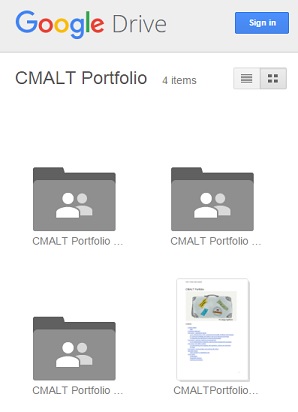
My portfolio in Google Drive I chose to build mine using Google Apps for Education (GAFE) and here I’d like to reflect briefly on the experience:
Why use GAFE? My main reasons were that it is free to use, I am already familiar with the tools available, there is storage and authoring tools all on one place and most importantly it works long terms as I will retain access to the files or at least be able to download them easily if needed. A further advantage for me was the ability to organise all the different types of content including supplementary evidence and images into different folders and make them easily accessible to the assessors.
What did I use? I focused my portfolio around a Google Doc. I decided early on that I wanted to illustrate my portfolio and the format I was after was linear – I wanted to build a narrative. I included screenshots, images and links and where appropriate filed these into folders on Google Drive. I also used a Google Sheet to help collect a lot of the evidence in the early stages, mainly to have a record of the various locations and links. I think that may be something I keep using as an ongoing record of my CPD activities.
Evidence folder 
Image folder What does this look like long term? Now that I have achieved CMALT the portfolio will have to be reviewed every 3 years. In that time period I’ll likely accumulate a lot of evidence of my professional development and my intention is to log it in a Google sheet, link to it where appropriate, and build up my folders of visual evidence as I go along. Then, when the time comes to review and update the main document or add to it, I should be able to draw on the information I already have. It’ll also make it easier to reflect on what I have done.
Any drawbacks? From my perspective there was no functionality that was missing and the auto-save and offline working capabilities made it fuss-free for me. Because you can share content without requiring others to have an account but you are still able to limit access I found GAFE was a useful tool indeed. Another plus was that I could share early drafts for comment and others could add to and comment on specific paragraphs.
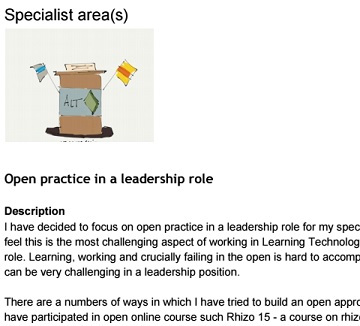
Open practice? If you are curious to have a look or indeed find inspiration for your own CMALT portfolio you can access my portfolio folder via this link https://goo.gl/44I4Bd . I have added a Creative Commons Licence so that you can access it and re-use for example the images I have included. The specialist area I have written about in my portfolio is open practice in a leadership role. Sharing my portfolio openly is part of the work I do and I am grateful for all the encouragement and feedback I have had from my colleagues throughout this process.


