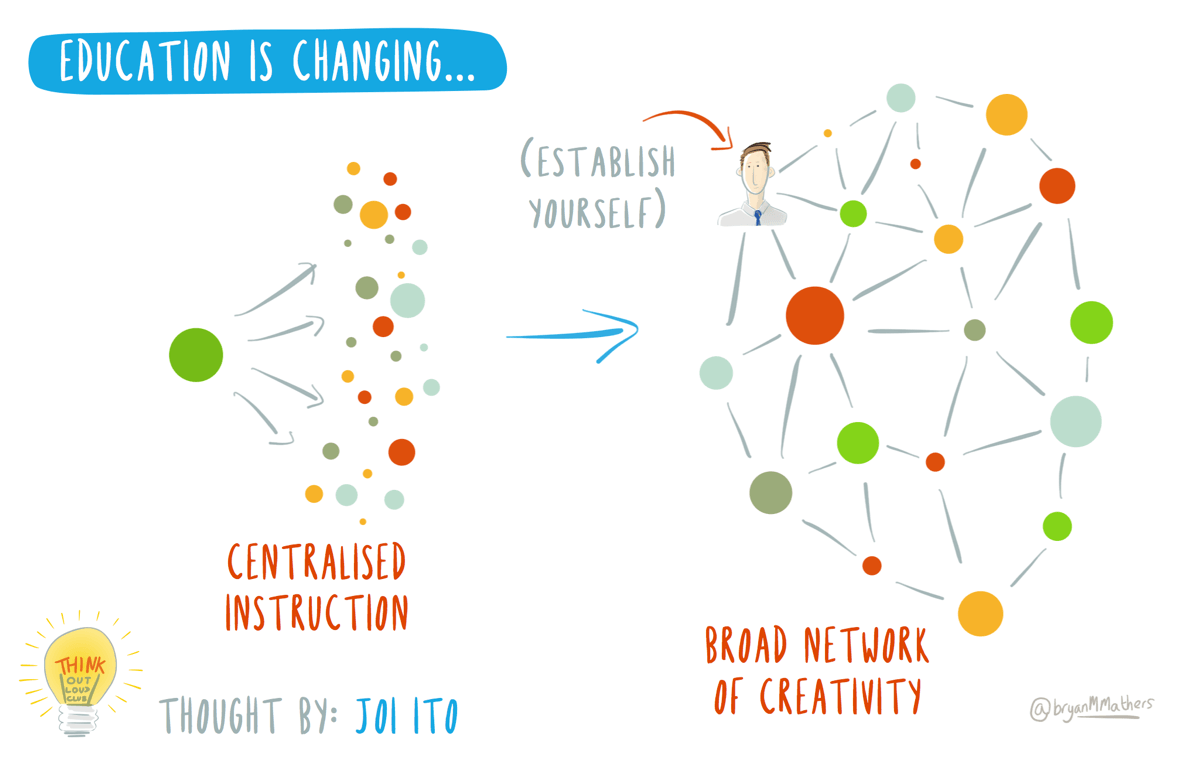
Cover image: Education is Changing by @bryanMMathers is licenced under CC-BY-ND
This is a joint post with Martin Hawksey (cross-posted here)
This is the second in a monthly series of blog posts in which we take an open approach to organisational transformation. In this series we share our experiences as senior staff leading our organisation to adopt virtual operations.
If you have missed the first post about how we began our journey you can revisit the story thus far here or here.
March
This month we talk about how we develop virtual and blended collaboration. Collaboration is one of our organisation’s core values and we encounter many challenges as we get to grips with our new virtual way of working and as the demands of a busy workload exert pressure. We also reflect on how the way we work informs our professional practice as Learning Technologists.
Maren: One of the things we thought about most ahead of the transition is to provide consistent support for collaboration. I mean support in terms of the tools we use, the way we work and for each member of staff. For example, we put in place both virtual and face to face catch ups for us as a team and one to one, a blended approach so to speak. Interacting synchronously combined with regular contact via email and shared updates using e.g. Google docs form another part of that approach. Particularly during the first few months we want to make sure that there isn’t a cliff edge, that we gradually translate our working relationships into a virtual way of working. We started virtual team meetings a long time ago to help build the skills and confidence we need to be able to rely on the meetings even when things are busy and I think that has been a real win for us. For me, team meetings always provide a sense of stability and connectedness. Would you agree?
Martin: Having been employed by ALT for over 4 years working remotely I agree team meetings have been very important. Thinking back to my own transition from office based to remote the biggest difference I felt was due to not physically being with my colleagues. At one point in my career I was only going to the office once a week but that was enough in terms of a sense of connection and the affordances of seeing and speaking to someone in the same room. I think it’s important not to ignore the social aspects of working in a team and something I find very useful is the opportunity to just hang out with others with a non-work agenda and team meetings are a great opportunity to top and tail business with what’s going on in life in general. This was something that was recently highlighted in an interview with John O’Duinn for InformationWeek who is a seasoned remote worker and who is currently compiling his experience in a new ebook – Distributed. The blend in all of this is also very important and a feature which I think provides a strong foundation for our future is also a commitment to meet in person. Sometimes this is maximising opportunities such as using time together when attending the same event, but also by design and we’ve committed to trying to meet face-to-face once a month. As a line manager do you find managing a virtual team harder?
Maren: In terms of line management, I find it easier to manage a team that is fully distributed, rather than having some staff work remotely and others office based as we had before. I have always had line managers who I have worked with remotely, so it’s something I have experienced from both sides. Still, building relationships, providing support and creating a shared vision takes time and effort regardless of how you do it. In my experience, consistency is key. Setting an example through how we work does help, but it takes time to embed all the new processes we have established. So regardless of how busy things get, sticking to our weekly team meetings and making time for individual catch ups is essential to keep us communicating and collaborating.
Especially when a busy workload is putting pressure on us as a team, I try to focus not only on practical outputs but also try to pick up non-verbal communication or informal chat. That part can be harder when you don’t meet in person. For example making a joke or sharing frustration can be much more difficult to interpret correctly when you don’t see someone’s facial expression, body language or gestures. There are virtual equivalents (for instance I have certainly become more expert at knowing what different emoticons mean) but things can get lost in translation. In terms of the technology we use, chat tools can provide a good informal space for informal interaction and as we are a relatively small team we can all join in if we want to. I find I value that more now and I make more use of chat or calls to check in or say hi to someone outside of meetings. I’m trying to find balance between working together effectively as a team, providing personal support when needed and keeping space to think. From a line manager’s perspective that’s especially important, but I think it’s something we all experiment with. What’s your take on this?
Martin: I find it interesting to consider the balance of different communication methods. For team members who were office based we’ve removed an awareness mechanism of being in the same place. We have various tools to replace some of this but, for example, how do you replace glancing over your shoulder to see if someone is busy? In some instances there are very simple measures. For instance, some of the team will either have their lunch break in their calendar, or like me, add a calendar event when you go for lunch. This overall appears to work well but does require everyone to check calendars before they decide to launch into a chat conversation with you. The same is true if you are in a hangout meeting, it’s in your calendar but someone doesn’t know you are busy until the look over the calendar. It perhaps no surprise that in our new staff member induction making sure they are subscribed to other team member’s calendars is one of the key tasks, but people, including myself, sometimes forget to check. I think it’s impossible to replace ‘glancing over the shoulder’, but using calendars can help. The challenge I think is how do you normalise something instinctive with something that is artificial and mechanical, we are all human after all. Do you have any thoughts on how we move from putting in place a new way of working to figuring out what works and how to normalise it?
Maren: That’s a question I have been thinking about and I am sure it’s a common problem for teams in general and virtual teams in particular. For me, there are three key things we do that help: first, instead of focusing on the physical behaviour or action, we ask why it’s important. For example, glancing over to see if someone is available can be important because you have a question or need help. We recognise the need to be available for each other, to answer quick questions for instance, and our use of chat tools to make sure an answer or attention can be available at a distance provides an effective solution most of the time. Second, we actually reflect on how we work together, as a group. The drop-in sessions we have organised for example help us share our different perspectives, getting a better sense of how we as individuals feel and think about how we work. The ‘not knowing who has gone for lunch problem’ is a good example of how we solved a problem as a team. We discussed it, suggested options and decided as a group to try the current approach. We took joint ownership of both the problem and finding a solution. Another example is the “show and tell” part of our team meetings, dedicated time for showing each other ways in which we have solved something or found a new tool. These sessions are part of us normalising new things and feeling more empowered in the process. I find that even if something new feels artificial or cumbersome to begin with, as long as I can see how can be useful, it starts to feel more normal quite quickly. Transferring my to do lists to a digital format is a good example of this in my personal practice. Despite the fact that I wanted to make the jump, it took me months of trial and error (and, frustratingly, less productivity) to figure out what works for me and to some degree it’s still work in progress. Whatever tool I use, there are times when pen and paper are best. We started out talking about how we work together, how we collaborate and support collaboration. But we seem to have come to discussing some of the most fundamental issues that Learning Technologists grapple with every day when they try to do their best to support learning and teaching with technology. So, picking up on your years of experience of being home-based, my last question is how you think working remotely has influenced your work as a Learning Technologist?
Martin: Great question. As an advocate of open education its interesting to watch the development of approaches that build on the affordances of a distributed education such as connectivism. Whilst working remotely it’s interesting to consider how as a team we can learn and also share knowledge. This also goes beyond our team and the bigger question is as a membership organisation how can we help our members develop in the field of learning technology in the creation and dissemination of new knowledge and understanding. Part of this is creating opportunities which exposes points for connections to be made either within a safe space like the ALT-MEMBERS mailing list or in the open so that they can be of benefit to the general public. It’s interesting to consider how things like “show and tell” create points for us as a team to share what we do and create opportunities for learning and as a learning technologist I’m interested in how these patterns can be applied in education.
